
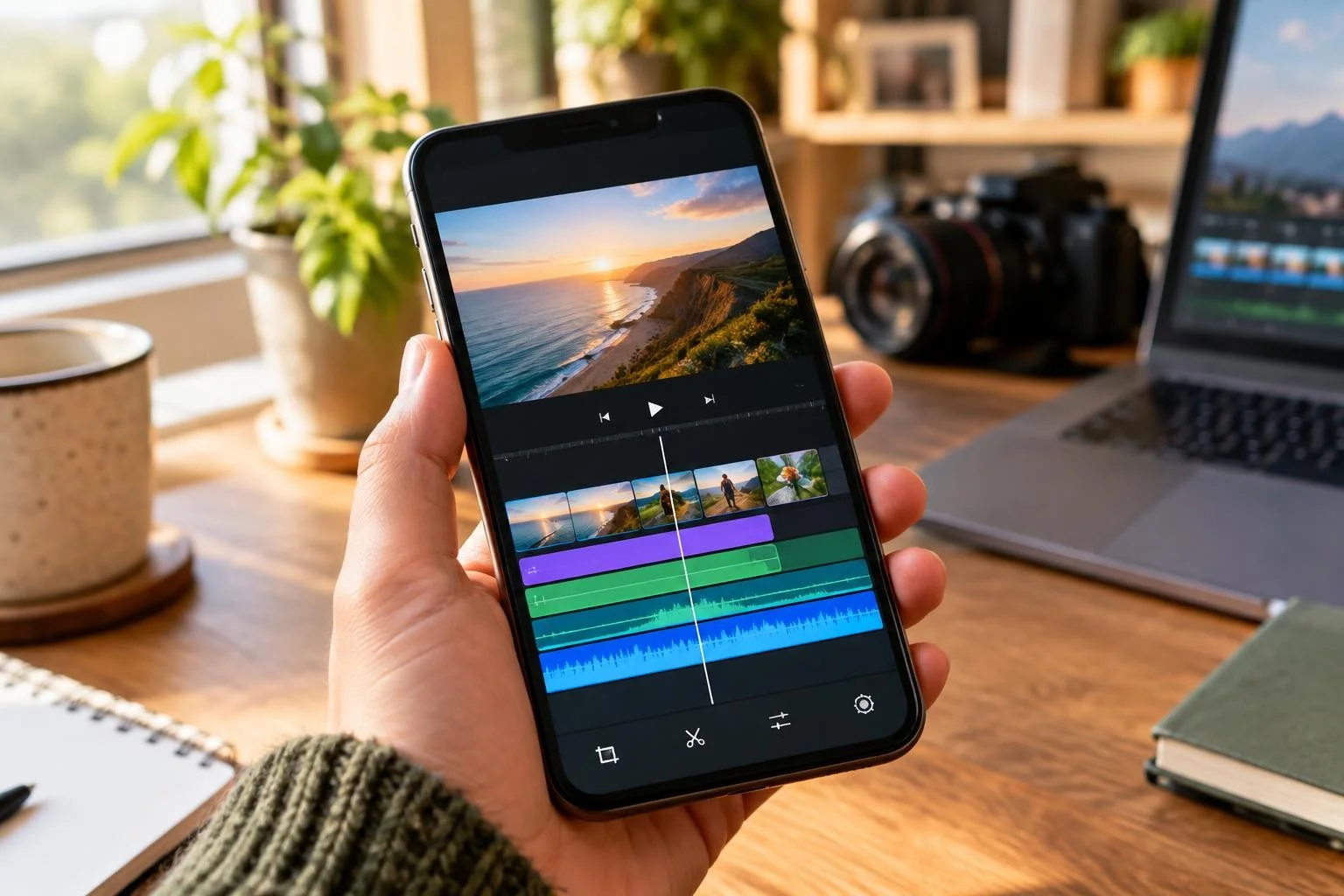
Posting a video takes seconds. However, getting people to stop scrolling and actually watch it takes real skill. Clever Video is the Clever Members companion plugin that helps you make a social media video go viral, straight from your phone or your desktop. It pairs a simple, mobile-friendly editor with Raya AI, so you can cut, polish and publish faster than ever before.
Edit Anywhere With a Mobile-Friendly Interface
We designed Clever Video for creators who work from their phones. The screen stays clean and simple, so every button, slider and preview is easy to tap with one thumb. You can trim clips, add captions and adjust color while you wait in line for coffee. Because the layout adjusts to any screen size, you never lose a feature when you switch from your laptop to your phone.
Firstly, the home screen shows your recent projects, so you can jump back into an edit in seconds. Secondly, every tool sits within reach of your thumb, instead of hiding inside a crowded menu. Finally, your project saves automatically, so a dropped call or a low battery never costs you your work.
- Trim, merge and reorder clips in a few taps.
- Add captions, text overlays and simple graphics.
- Crop and resize for Reels, TikTok, Shorts and Stories.
- Preview your edit instantly before you post it.
Overall, the interface gets out of your way, so you can focus on the story instead of fighting with menus.
Raya AI: Your Built-In Editing Assistant
Clever Video includes Raya AI, the same assistant that helps you write and design across Clever Members. Inside the editor, Raya AI studies your footage and suggests the cuts that keep viewers watching. It can trim dead air, balance your pacing and even draft captions for you. Consequently, you spend less time scrubbing through clips and more time creating.
How Raya AI Helps You Make a Social Media Video Go Viral
Raya AI also studies what tends to perform well and turns that into plain suggestions. It can recommend a stronger hook for your first three seconds, a better length for the platform you are posting to, and a caption that invites comments. Additionally, it flags slow moments that make viewers scroll away. Therefore, you finish with a video that holds attention from the very first frame.
If you want to study why some videos spread and others do not, the Wikipedia entry on viral phenomena is a solid place to start, and Pew Research Center regularly publishes data on how people actually use social media. Likewise, platforms such as YouTube publish their own guidance for creators through the YouTube Creator Academy, and those tips pair well with the suggestions Raya AI gives you inside Clever Video.
Pair Clever Video With Clever Audio
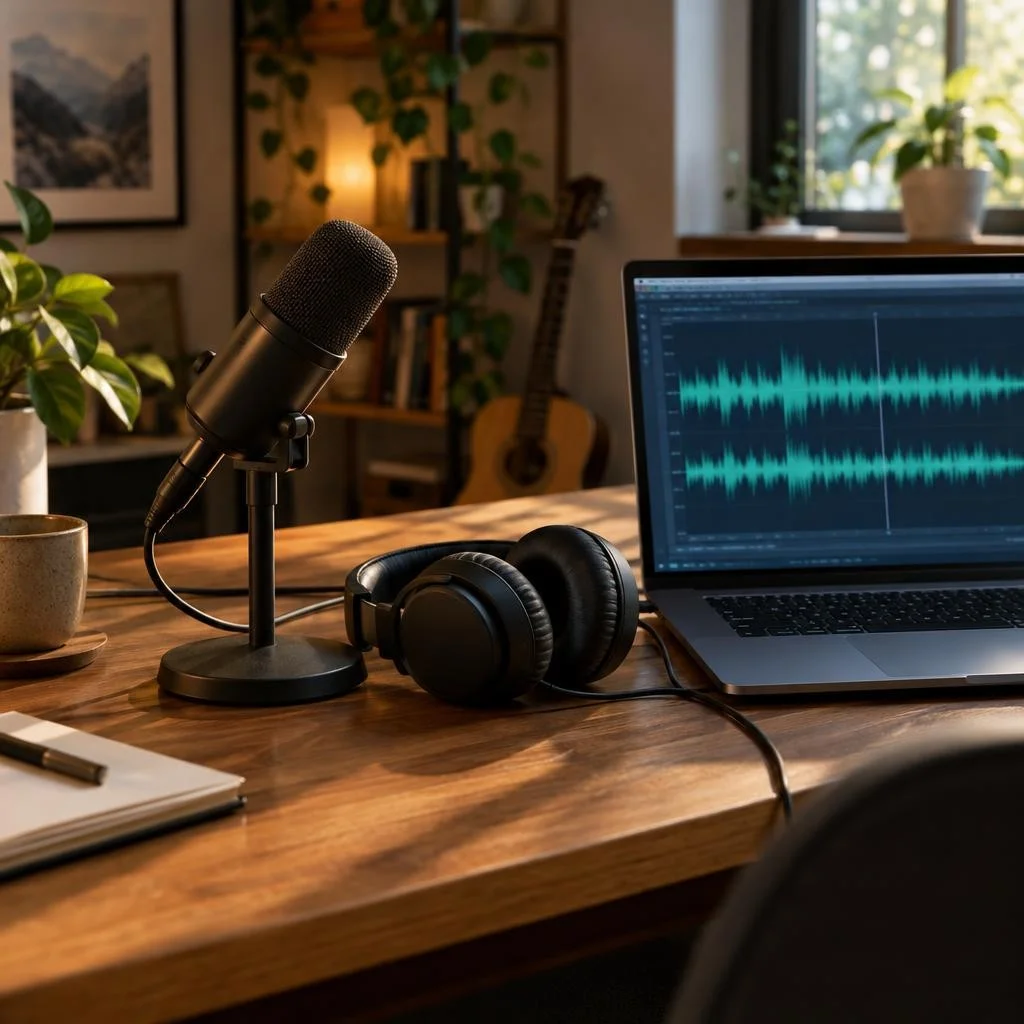
Great video needs great sound. When you pair Clever Video with Clever Audio, you can export the audio track from any video without leaving the editor. Specifically, you can repair muffled or noisy sound, swap your voice for a different one, and clean up background hiss. Afterward, you reimport the finished audio straight back into your video with a single click.
- Export your audio track from inside Clever Video.
- Repair muffled, quiet or noisy audio.
- Swap your voice for a different one.
- Reimport the finished audio with one click.
If you already use Clever Reel for quick social clips, Clever Video and Clever Audio work alongside it, so your whole video workflow stays inside Clever Members. Meanwhile, you never have to export files to a separate app just to fix your sound. Instead, everything happens in one place, from the first cut to the final export.
Besides saving time, keeping your audio work inside Clever Members keeps your files organized. Your original clip, your repaired audio and your finished video all live under the same project. So when you come back to a video next month, every piece is still right where you left it.
Quick Tips to Help Any Video Perform Better
A great editor and clean audio help, but a few habits make any video perform better. Keep these tips in mind the next time you post.
- Hook viewers in the first three seconds, before they can scroll past.
- Keep captions on, since most people watch with the sound off at first.
- Post when your audience is active, not just when it is easy for you.
- Match the trends that fit your topic, instead of copying every trend you see.
- Ask one clear question or give one clear call to action at the end.
None of these habits guarantee a viral hit. However, they stack the odds in your favor, and Raya AI can remind you of them while you edit inside Clever Video.
Frequently Asked Questions
Do I need Clever Audio to use Clever Video?
No, you do not. Clever Video works fully on its own. However, pairing it with Clever Audio adds audio repair and voice swapping, so your sound matches the quality of your picture.
Does Clever Video work well on a small phone screen?
Yes. We built the interface mobile-first, so every tool stays easy to reach on a small screen. You can edit a full video between errands, without ever opening a laptop.
Can Raya AI write my captions for me?
Raya AI can draft captions and suggest a hook based on your footage. Still, you stay in control, so you can edit, approve or rewrite anything before you post it.
What if my audio already sounds fine? Do I still need Clever Audio?
You can skip it entirely if your audio already sounds good. However, most phone microphones pick up echo, wind or background noise. So it is worth a quick check before you post.
Get Started Today
Clever Video and Clever Audio are both available in the Clever Members plugin catalog. If you already run Clever Members, log in and open the catalog and add both plugins. Otherwise, visit our Services page to learn how Clever Members can run your whole website in one place. Finally, if you want expert help planning your next video, our team is ready to talk on the Contact Us page.